Zrythm v2.0.0-alpha.1 Released

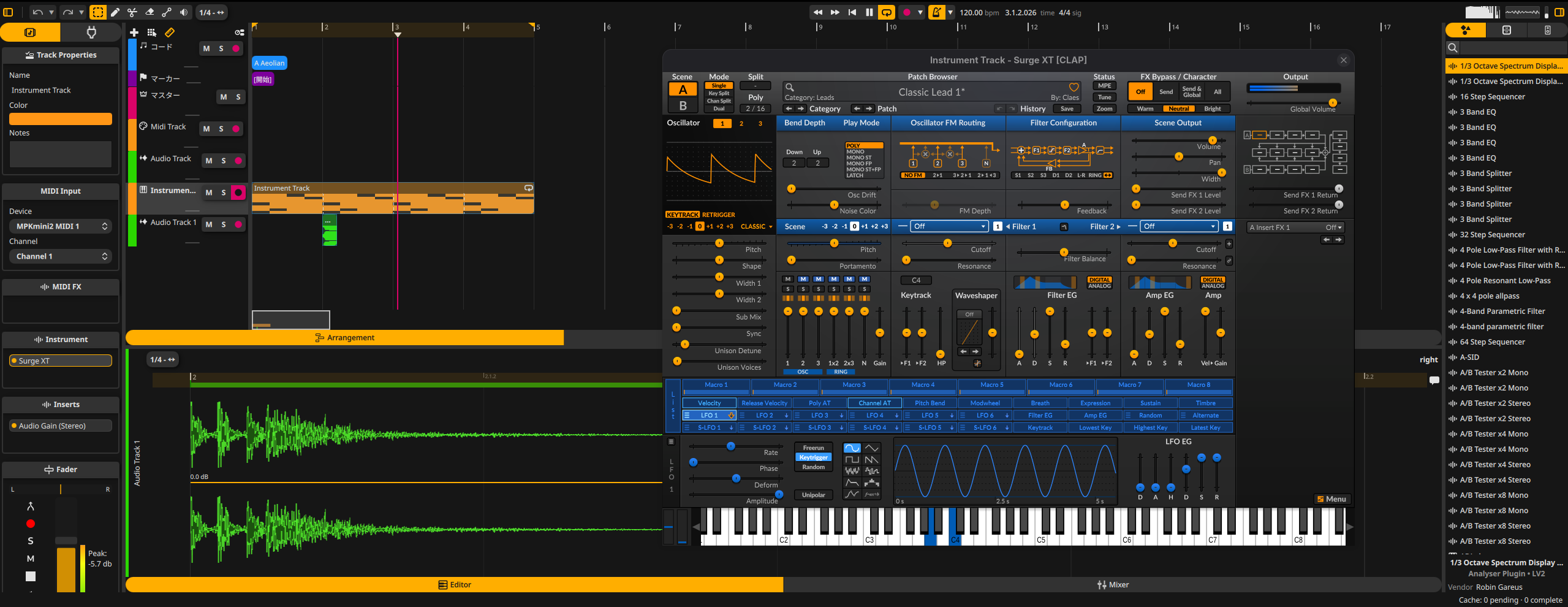
We’re excited to announce the first alpha release of Zrythm v2 — a complete rewrite of the DAW using Qt6/QML and JUCE, replacing the previous GTK-based UI.

This is an alpha release intended for testing and feedback. Many features are still missing or incomplete. Do not use it for production work.

What’s new

Zrythm v2 is a ground-up rewrite in C++23 with a new hardware-accelerated UI, a modernized DSP pipeline, and a new plugin hosting architecture.

Highlights:

  • Hardware-accelerated UI powered by Qt Quick
  • Audio and MIDI recording with takes
  • MIDI note editing via piano roll with velocity editor
  • Automation editing
  • Plugin support: VST3, CLAP, LV2, LADSPA, AudioUnit
  • Undo/redo for all actions
  • Project save/load
  • Audio mixdown export
  • Tempo map with editable tempo and time signatures
  • Mixer with channel strips and track routing
  • Foldable tracks
  • Cross-platform: GNU/Linux, macOS, Windows (including ASIO support)

What’s missing

Many v1 features have not yet been ported, including but not limited to:

  • Audio editor (part editing)
  • Event viewers (list editors)
  • Plugin sandboxing (bridging)
  • Stem export
  • Chord pad
  • Detachable views
  • Various file format imports

See the README for the full list.

Downloads

Source tarballs with GPG signatures are available at zrythm.org/releases.

Prebuilt installers are available on the GitHub release page.

Note: The website still presents Zrythm v1. Expect an update at a later time.

Building from source

See the build instructions in the README. You’ll need CMake, Qt, and an internet connection for dependency fetching.

Reporting issues

Please report bugs at gitlab.zrythm.org/zrythm/zrythm/issues.

Thanks

The project is currently funded through NGI0 Commons Fund, a fund established by NLnet with financial support from the European Commission’s Next Generation Internet program.

If you’d like to support Zrythm’s development, consider purchasing a plan from zrythm.org or donating).

Great to see the next step of the project!

I love the new UI and audio engine.

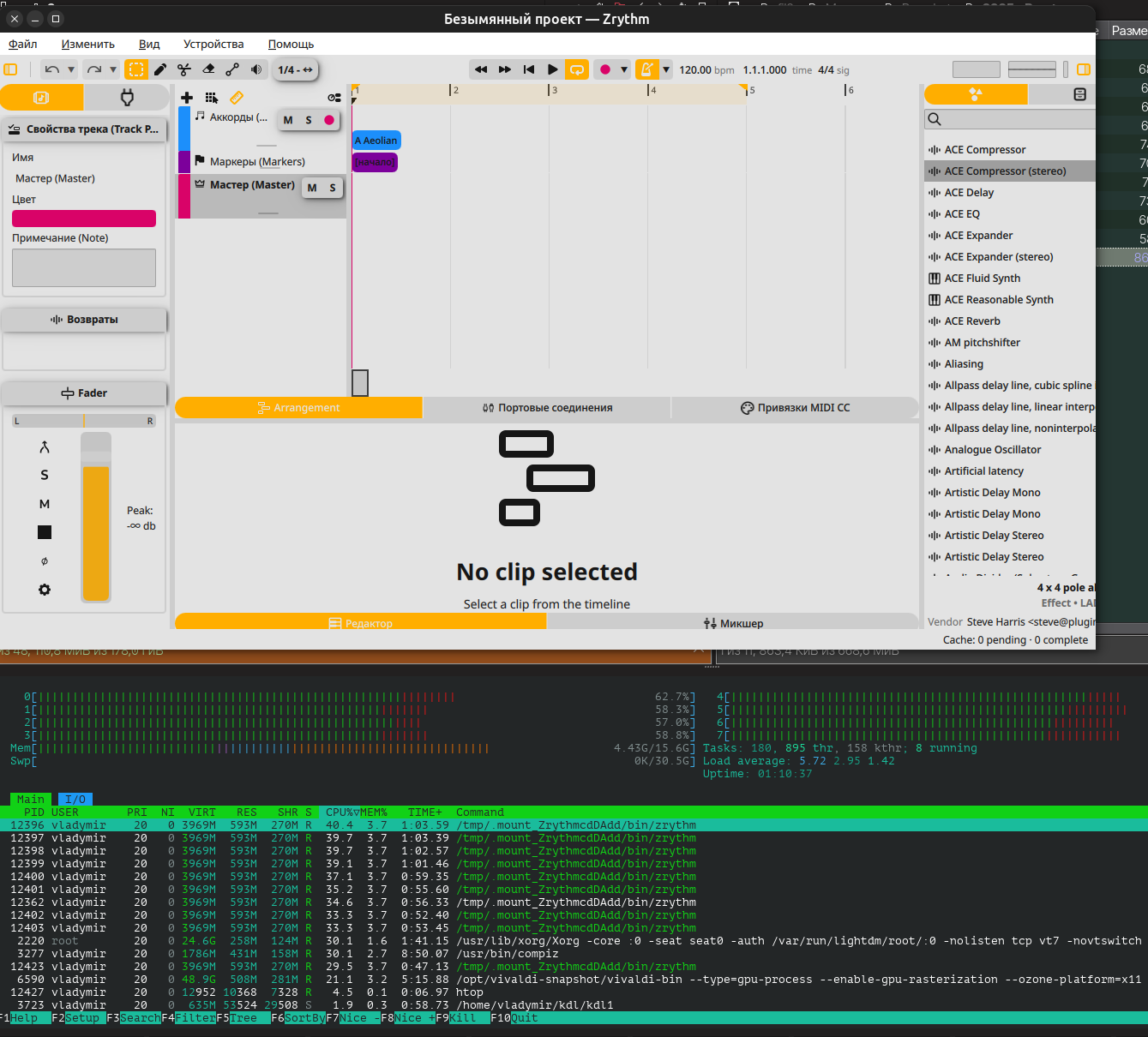
Just wish to inform that bare main window permanently consumes 50% of cpu just at launch (small window to open/create a project consumes 25%) :zany_face:

<ubuntu 24.04, appimage>

Other people don’t seem to have this issue and neither do I. I suspect it’s plugin scanning (it runs in the background). Do you have a lot of plugins installed? Does it calm down after a couple minutes? can you check htop or some system resource monitor to see if it’s the zrythm process or the plugin scanner process (plugin-scanner) that has high CPU usage?

excited to see this release happen. Is there any hope for linux aarch64 support? Building a project this large took a toll on my laptop last time and I didn’t get very far.

If there is enough demand, sure. What kind of machine are you using?

an M2 Macbook Air running Fedora Linux Asahi Remix. The kernel uses 16k pagesizes which might be important to know.

I remember people having issues compiling on Asahi, but it looked like a system/configuration issue. Should compile fine on “normal” aarch64 GNU/Linux systems (not Apple hardware). If there are enough users we can consider AppImage for that but for now there are too few people on this configuration.

I have a lot of plugins but something tells me that this is not the cause of the issue.

I was waiting for 10 minutes and cpu still run hot. Also htop was showing that some other processes got nervous :grimacing:

Probably its due to video acceleration in Zrythm interface, so they got into a race condition fighting for screen recources (it’s my assumption) :roll_eyes:

Not sure what the issue is. What CPU/GPU are you using? Did you set the buffer size to a really small value in audio device settings? Also I see xorg and compiz are struggling too, could be some rendering issue.

agree about rendering issue, since other affected processes (compiz, Xorg, vivaldi) which are accessing to gpu also consume more cpu.

as soon as I close Zrythm, all those apps become calm.

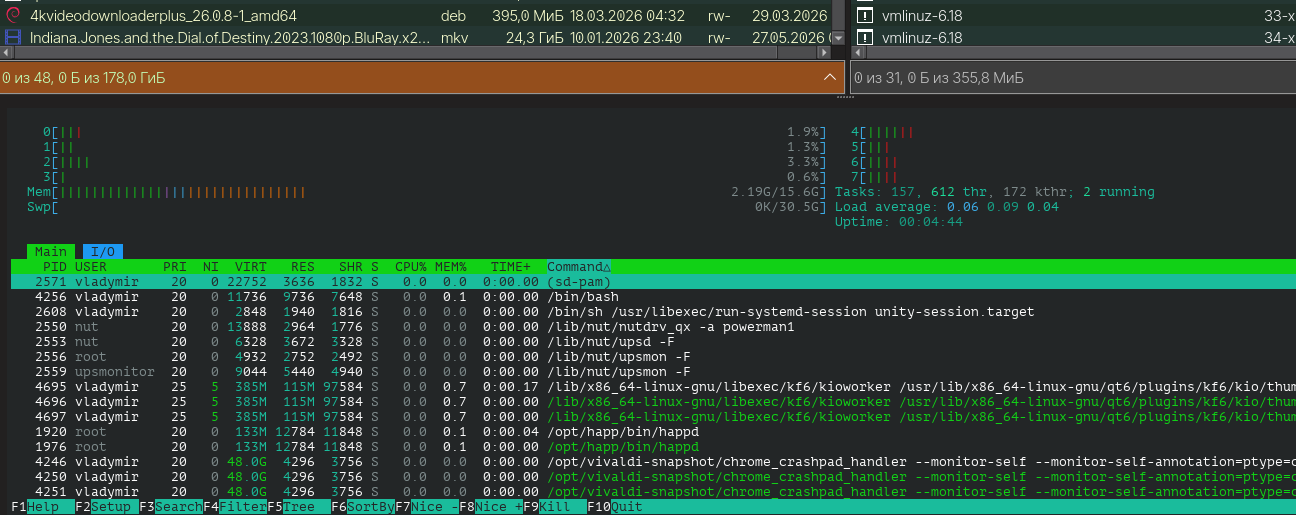
on my laptop with the same os there is no excessive cpu workload with Zrythm.

and on my pc where the problem appears I have the following hardware:

cpu - Core i7-4790k, gpu - GeForce GTX 1060 6GB, ram - 16 GB

I’d think that there’s something wrong with my pc, but Zrythm is the only app which causes such a strange issue, I never faced before

Haven’t heard of other people with the same issue and doesn’t happen on my machine either, but thanks for sharing your specs. Could be the Nvidia drivers? They’re notoriously problematic on GNU/Linux. Let’s see if other people have the same issue.